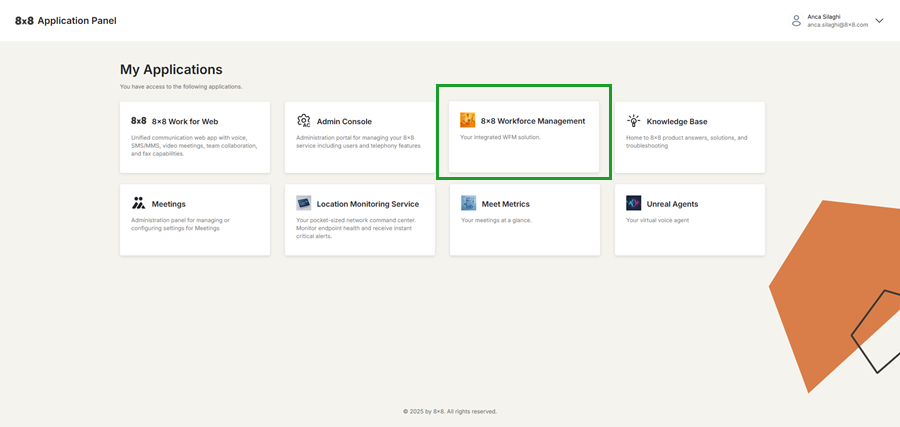
Access the 8x8 App Store
The 8x8 App Store page lists supported third-party applications that you can install and configure for your organization.
With this new feature, you can:
- Improve productivity with supported apps.
- Centralize your business app management in one place.
To browse and install apps from the 8x8 App Store:
- Log in to the 8x8 Admin Console.
- Go to Home > 8x8 App Store.
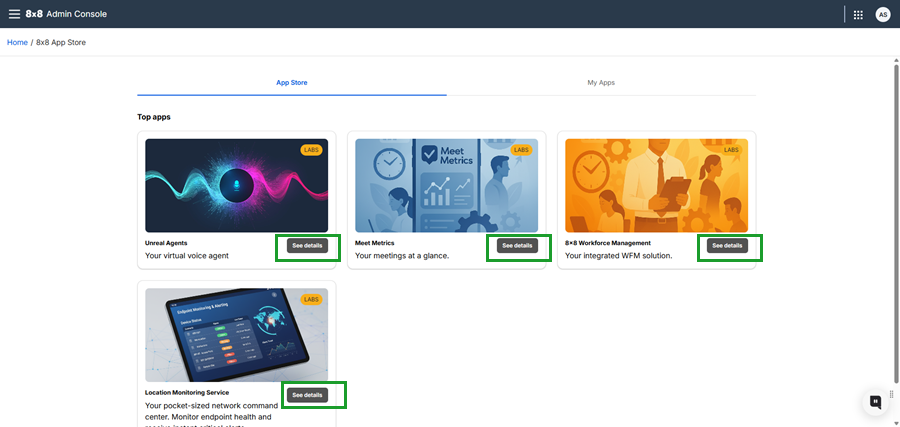
- Browse the App Store tab to explore available third-party applications.
- Click See details to open the app’s information page, where you can review key details such as purpose, complexity, and pricing.
- After reviewing the app, click the Get button to install it.
- Agree to the terms and conditions.
- The app installs and you are redirected to the My Apps tab where you can manage the app settings.
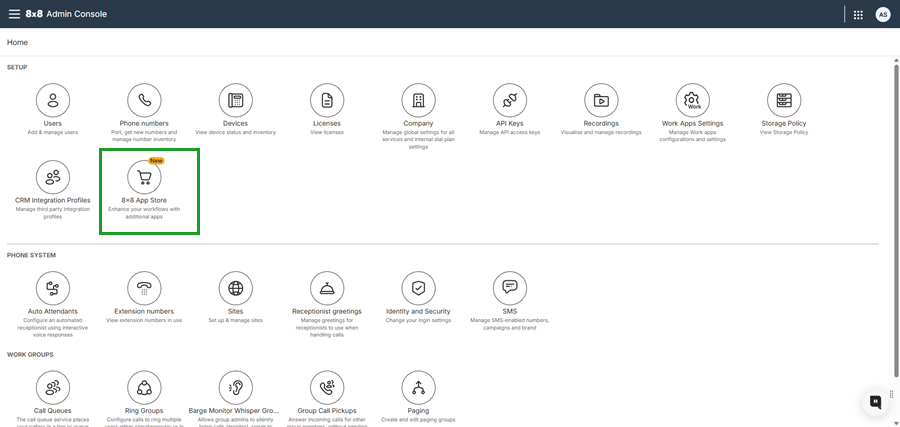
Note: Once an app is successfully installed, a new tile is added to the 8x8 Application Panel for ease-of-access.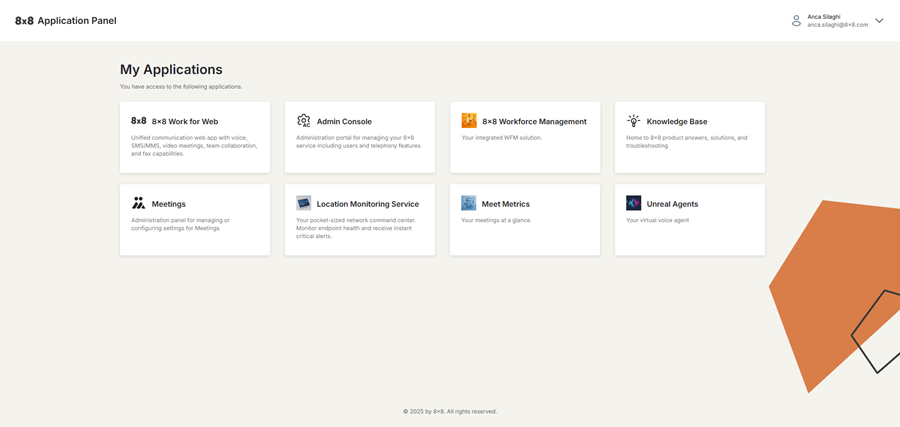
Manage your installed apps
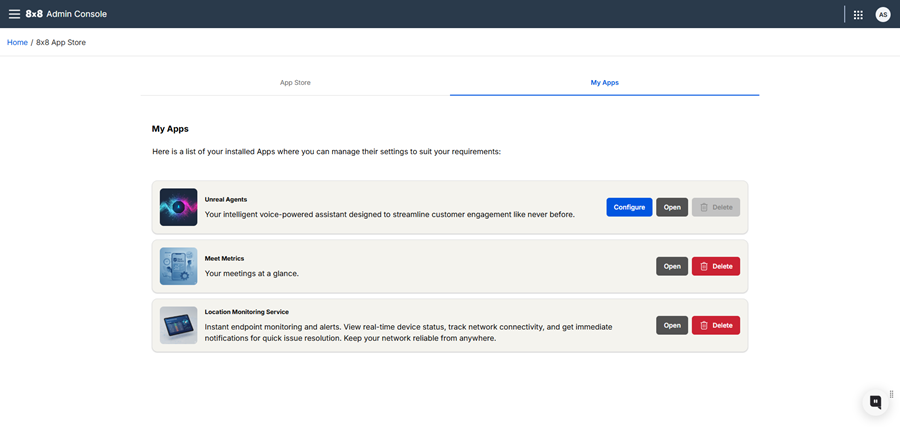
You can manage installed applications within the 8x8 App Store from the My Apps tab, where you can configure settings, launch integrations, or remove unused apps.
To view, configure, or delete apps:
- Go to the 8x8 App Store page.
- Click the My Apps tab from the top-right corner of the page.
- Locate the relevant app and click:
- Configure: Accesses the configuration options required for the app.
- Open: Launches the installed app in a new tab and prompts you to log in.
- Delete: Deletes the app instantly, without a confirmation prompt.
Enable access to 8x8 Workforce Management
8x8 Workforce Management (8x8 WFM) is a new management tool now available to 8x8 Contact Center customers with X6, X7, or X8 licenses. 8x8 Workforce Management eliminates manual tasks, reduces planning hours, and delivers real-time insights enabling you to elevate productivity, streamline operations, and unlock the full potential of your workforce. It requires no manual setup and can be accessed directly through the 8x8 App Store.
Key benefits
- Real-time visibility: Live dashboards track adherence, occupancy, and service levels, helping supervisors act fast on disruptions.
- Self-service: Self-service options (e.g., change requests) improve agent satisfaction.
- Optimized planning: Ensure the right agents are scheduled at the right time, reducing over/understaffing.
- Automated scheduling: Automates scheduling and compliance tracking, freeing supervisors from tedious tasks.
To install 8x8 Workforce Management:
- Go to the 8x8 App Store page.
- Click the My Apps tab from the top-right corner of the page.
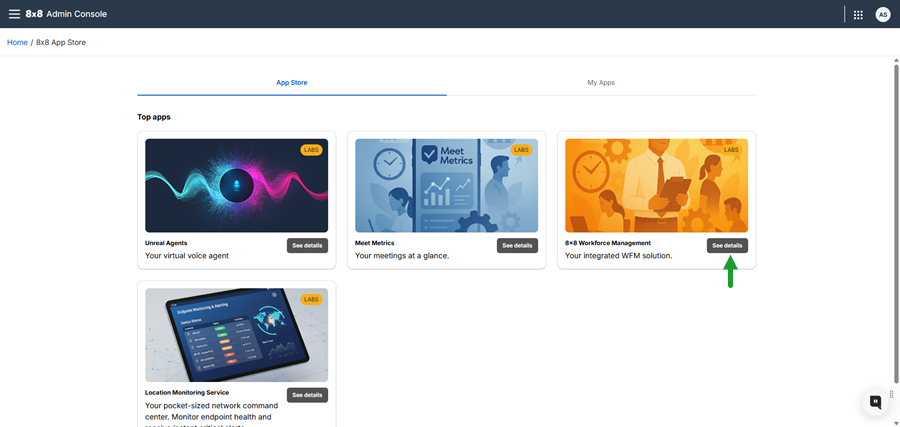
- Find the 8x8 Workforce Management app tile and click See details.
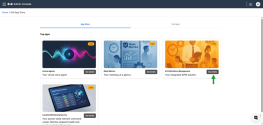
- Click Get.
- Agree to the terms of use.
After installation, the system redirects you to the My Apps tab, where 8x8 Workforce Management appears with your other apps.
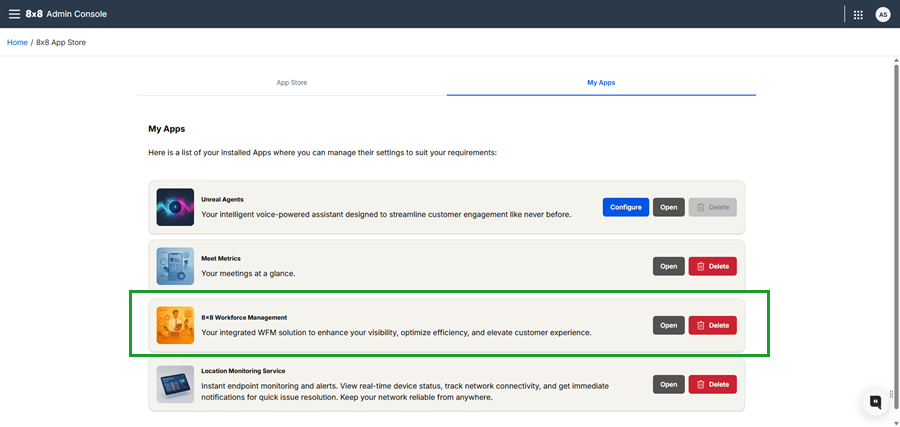
Once installed, supervisors, admins, and agents can launch 8x8 Workforce Management directly from the 8x8 Application Panel without having to re-authenticate.