Access report for interactions routed to another queue or number
You can use the following metrics in the Detailed reports to improve visibility into interaction routing and customer journeys:
You can access these new metrics from the Interactions Detailed Reports and Detailed Digital Channels reports.
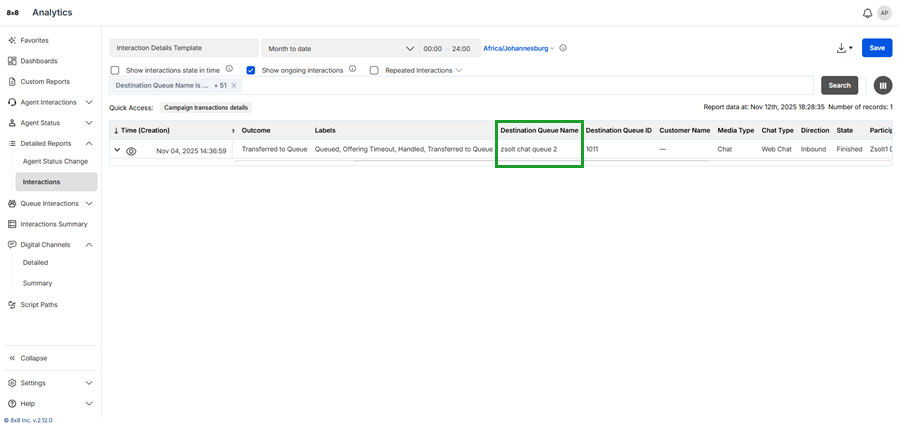
The Destination Queue Name metric
The Destination Queue Name metric shows the name of the queue that received a diverted interaction, such as one routed via overflow or transfer. It helps you understand routing flows and track the full journey of the interaction.
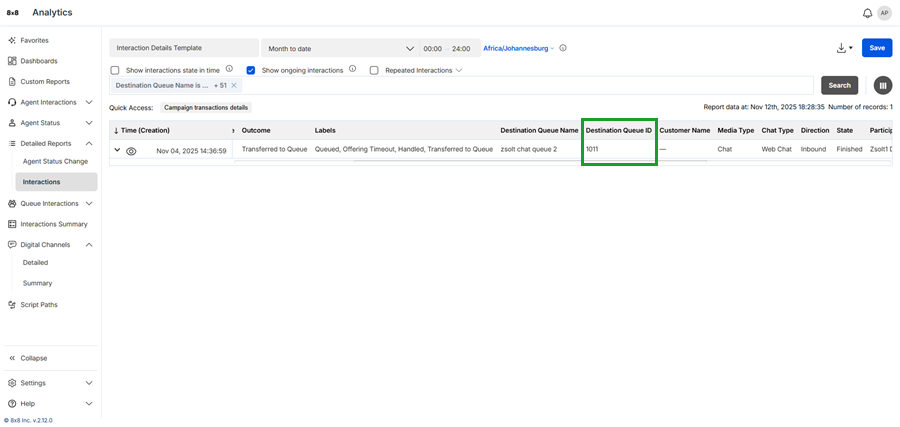
The Destination Queue ID metric
The Destination Queue ID metric shows the unique ID of the queue that received a diverted interaction, such as one routed via overflow or transfer.
The Journey ID metric
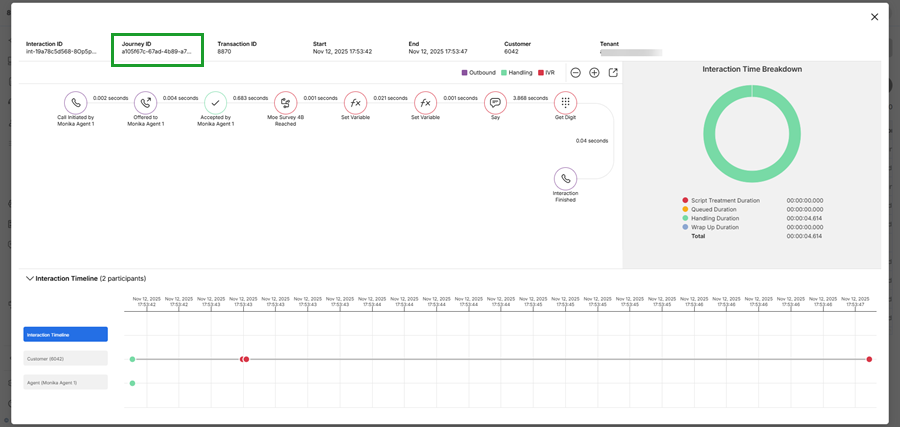
The Journey ID links all segments of an interaction across transfers using a single identifier. This helps teams track and analyze the full customer journey instead of viewing each segment separately.
You’ll see the Journey ID at the top-left of the interaction flow and as a filter metric in the report. Use the Journey ID to find and review every segment from start to finish.