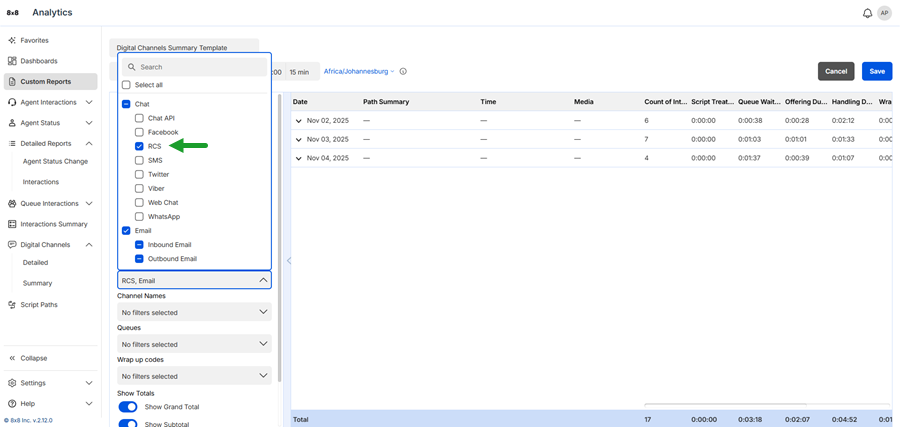
Access report for inbound RCS messages
You can now filter inbound Rich Communication Services (RCS) in 8x8 Analytics for Contact Center. This new filter allows you to track and analyze inbound RCS traffic separately from other messaging channels.
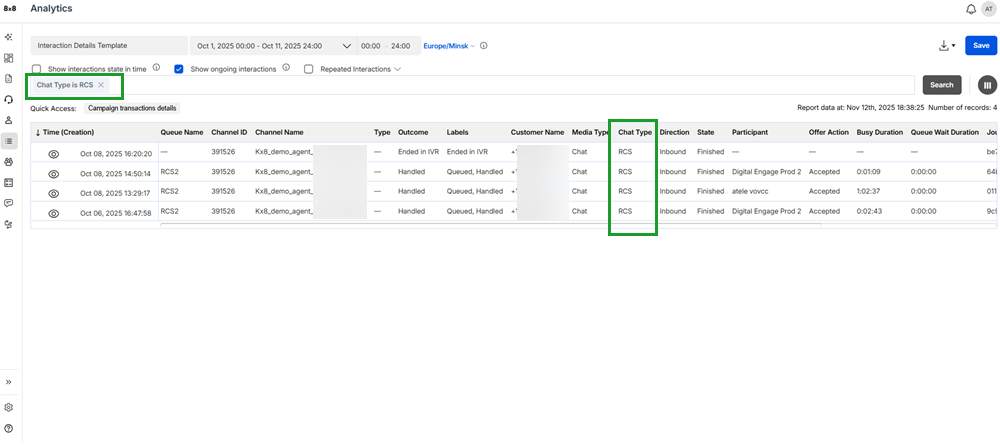
RCS appears as a Chat Type option in these reports:
- Interactions Detailed
- Digital Channels Detailed
- Digital Channels Summary
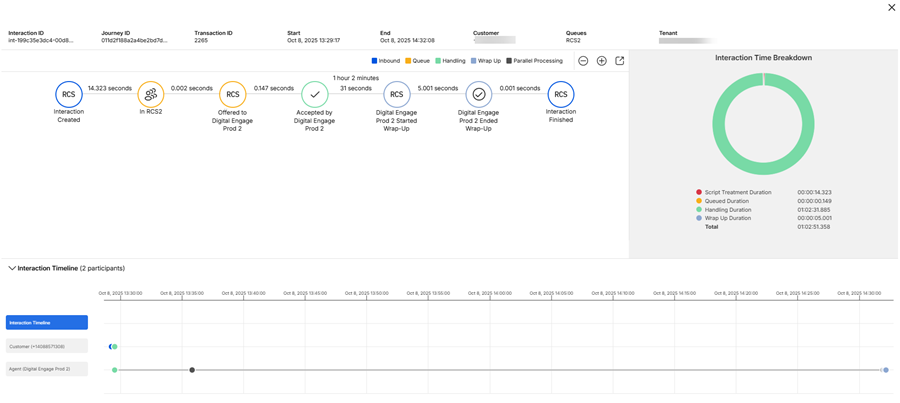
You can also:
- Retrieve RCS data using the Public API.
- See RCS interactions directly in the interaction flow, marked with an RCS icon.
 To filter RCS interactions from the Interactions or Digital Channels Detailed report:
- From the menu, go to Detailed Reports > Interactions.
- Or -
Digital Channels > Detailed. - Select a date range.
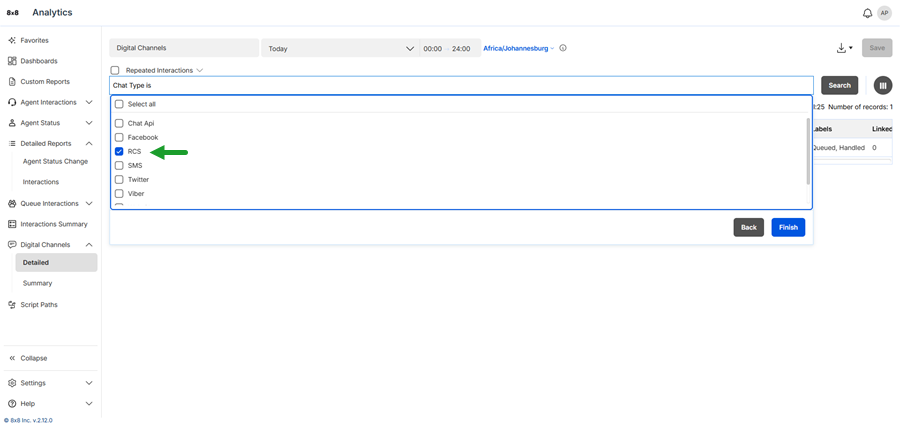
- Click the filter bar and select Chat Type from the filter list.
- Select the operator <is> from the list to ensure the filter focuses only on exact matches.
- Select RCS.
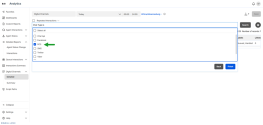
- Click Finish. The compound filter <Chat Type is RCS> displays in the filter bar.
- Click Search to view matching data.
- (Optional) Click Save to reuse this report later.
 To filter RCS interactions from the Digital Channels Summary report:
- From the menu, go to Digital Channels > Summary.
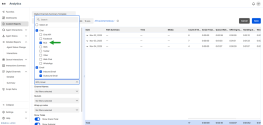
- Click Customize.
- From the Report configuration panel, go to Media.
- From the Chat list, select RCS.
- (Optional) Click Save to reuse this report later.