Note: AI Studio is an Early Access Program (EAP) product. Features may change after this documentation is published. If a feature is not included in this guide, use the built-in AI Builder to explore available capabilities.
View logs
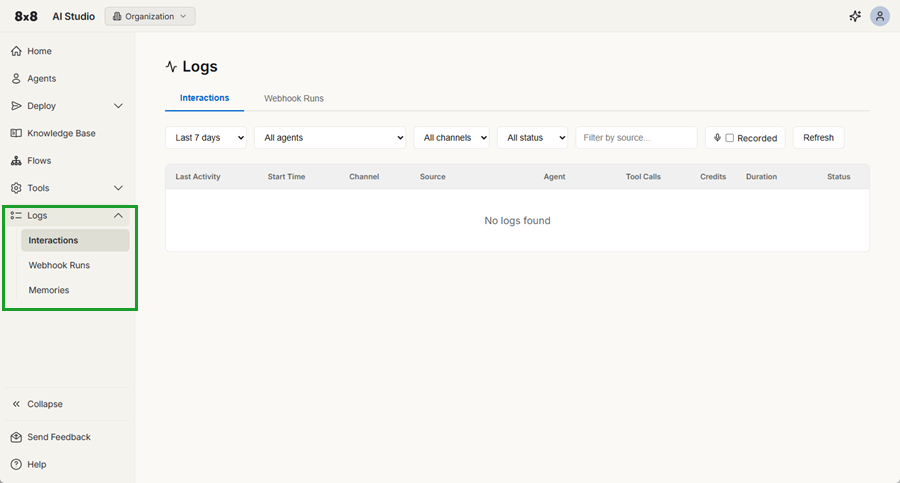
The Logs menu provides access to interaction history and execution logs across AI Studio. You can use logs to review AI agent interactions, monitor system activity, and troubleshoot issues.
The Logs menu provides access to:
- Interactions: View the history of conversations handled by agents or call flows, including status, duration, and activity details.
- Webhook runs: View execution logs for webhooks, including request data, responses, and errors for debugging.
- Memories: View stored memory data used by agents, including saved user context and retrieved values.