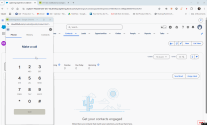
Note: 8x8 Work and Engage for Salesforce is currently only available to Beta customers.
Log calls in 8x8 Work and Engage for Salesforce
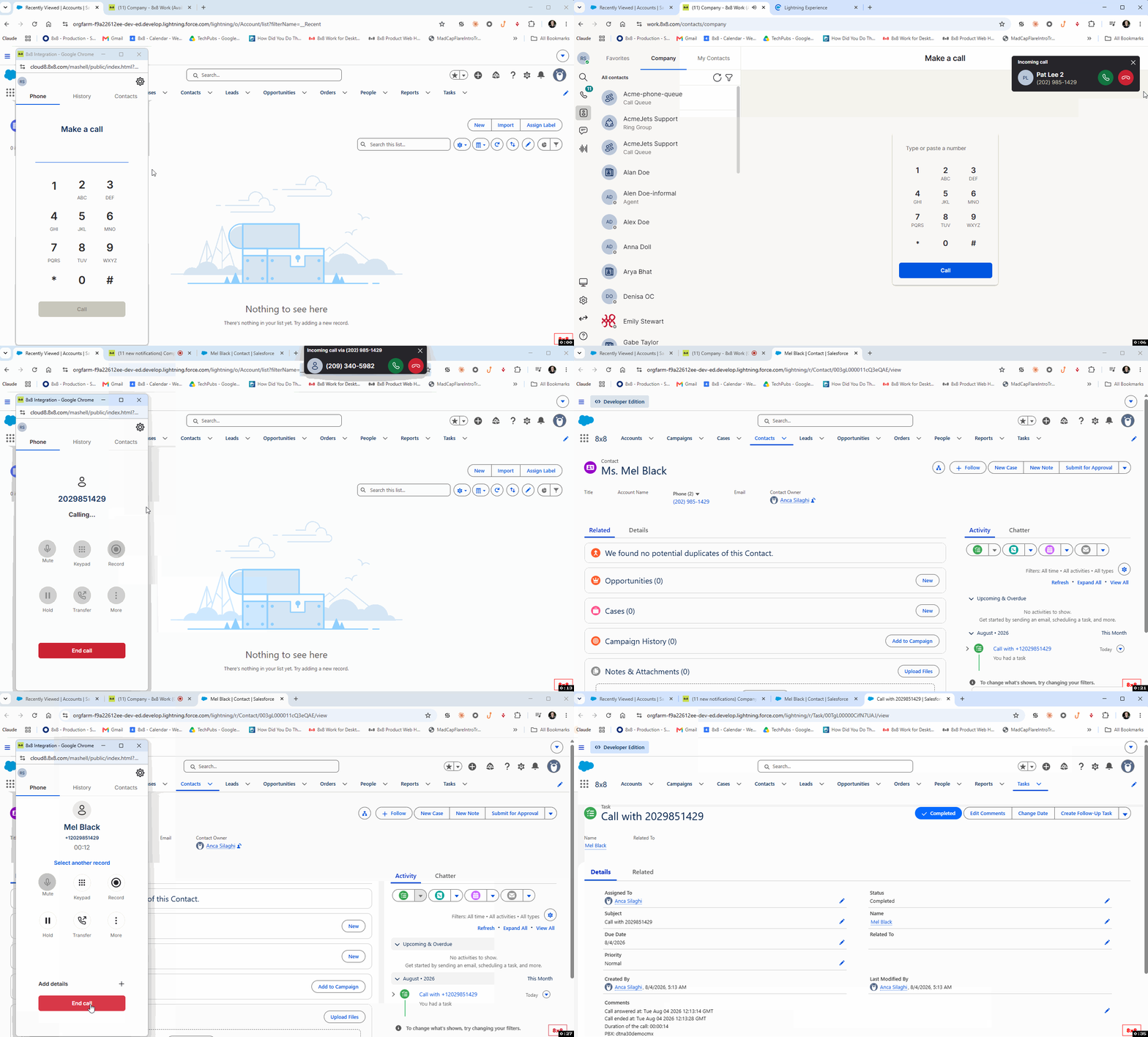
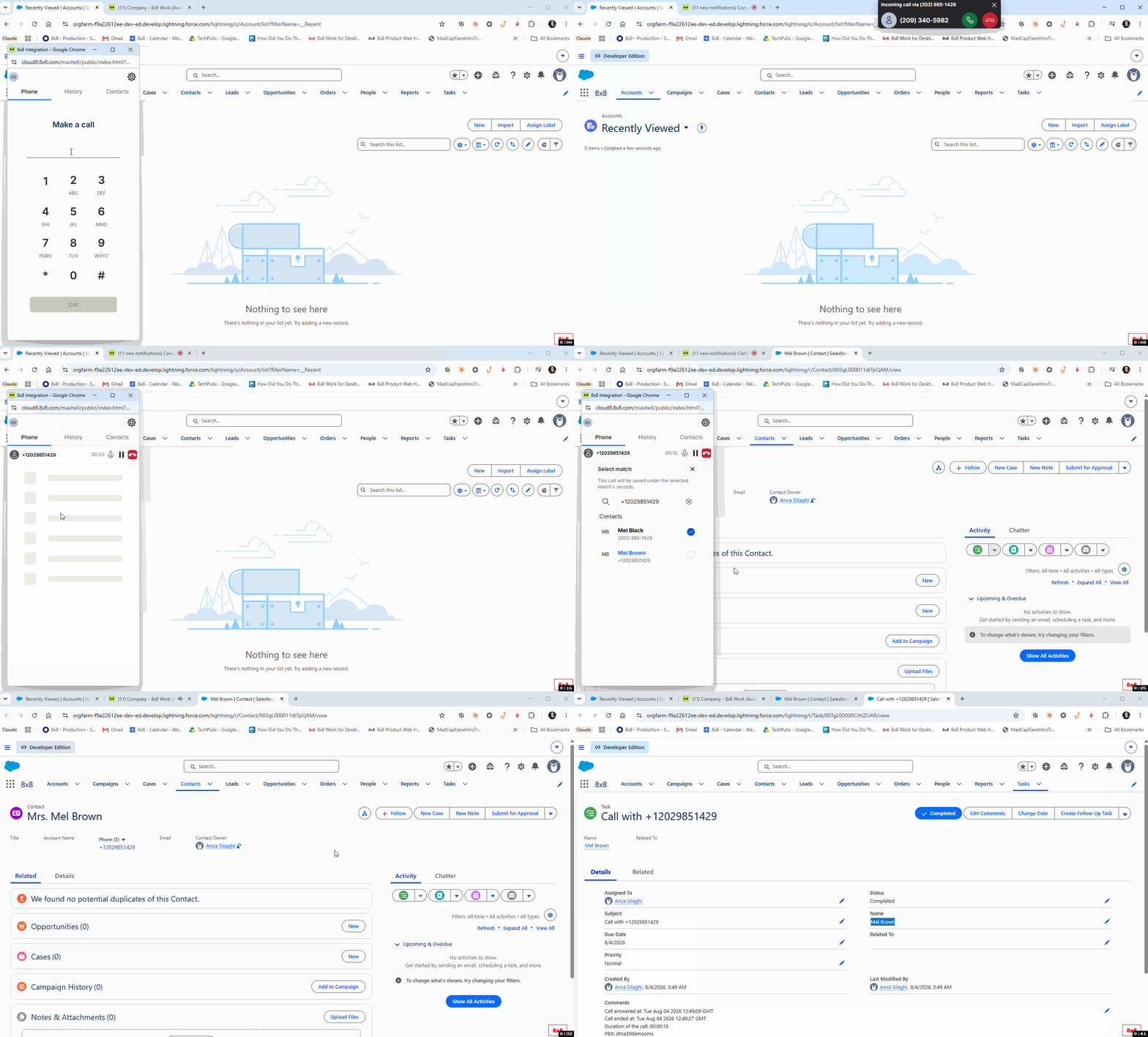
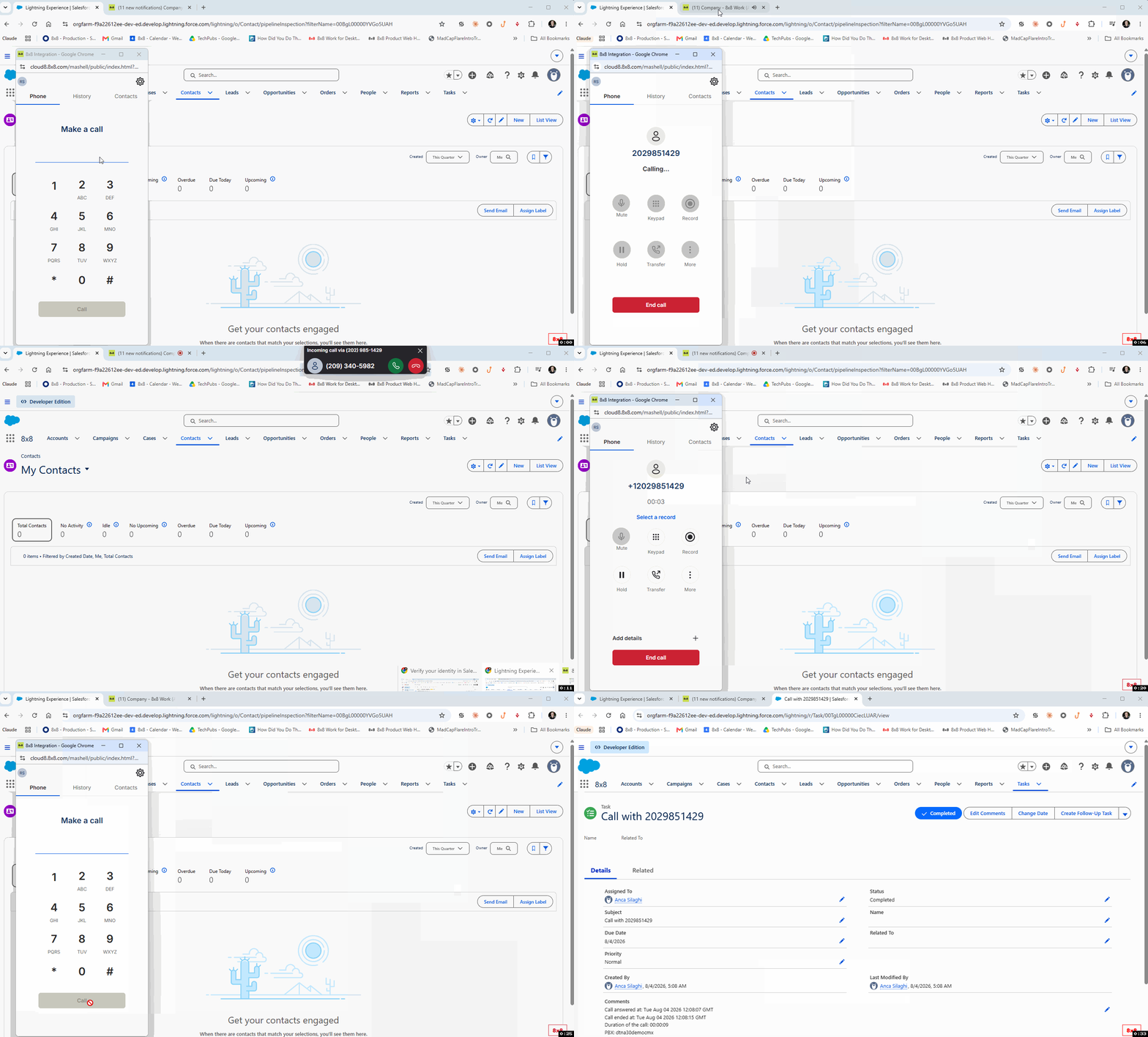
When a call ends, 8x8 Work and Engage for Salesforce automatically creates a call log in Salesforce. The log includes details such as the transaction ID, answer time, and call duration.
The system saves the call log as an Activity or Task. You can update the activity status as needed.
Call log matching scenarios
Depending on the number of matching records, the system handles call logs as follows:
- Single match: If one matching record exists, the system saves the call log in the Comments field and associates it with the record as an Activity or Task.
- Multiple matches: If multiple matching records exist, no screen pop appears. The system saves the call log in the Comments field in Salesforce and associates it with the first record in the list.
- No match: If no matching record exists, the system displays a message indicating that no match was found. The system logs the call in the Comments field.