What's new for 8x8 Engage Beta users?
We have introduced the following enhancements:
Ability to park Contact Center calls in 8x8 Engage
Note: To have this feature enabled, contact your 8x8 Account Representative.
You can now park Contact Center queued calls in 8x8 Engage. This new feature provides more flexibility for users handling multiple calls, streamlining workflows in busy environments where calls need to be shared or deferred temporarily.
Let’s say Pat needs to quickly assist another incoming caller. Pat can now park their current call, handle the new one, and either return later or have a teammate pick up the parked call to continue the conversation without losing context.
Limitations
- Call parking can only be enabled for customers with a post-processing time above one minute.
- Parked calls data is not visible in 8x8 Analytics.
To park a call in 8x8 Engage:
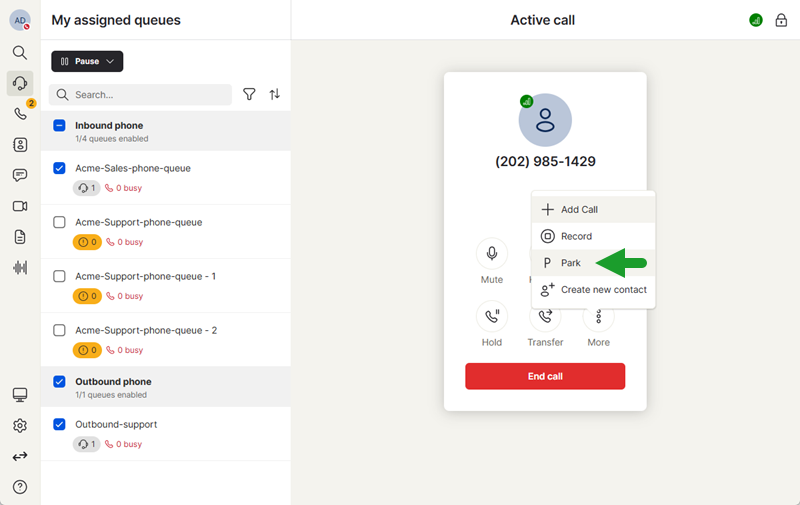
- While on a call, click More
 to open a menu.
 - From the list of options, select Park.
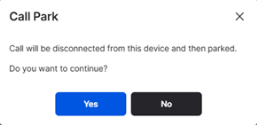
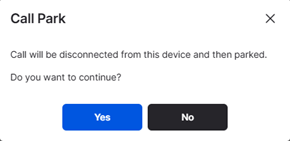
- Confirm the prompt to disconnect the call and park it for later retrieval.
- An announcement plays specifying the extension number the call has been parked on before the call disconnects.
Note: Calls that are not retrieved from the queue before the recall timer is reached are automatically returned to the agent.
How to retrieve a parked call
To retrieve a parked call, call the announced call park extension.
Ability to park Contact Center calls from 8x8 Frontdesk in 8x8 Engage
Note: To have this feature enabled, contact your 8x8 Account Representative.
We’ve re-enabled the park calls feature for receptionists using 8x8 Frontdesk in 8x8 Engage, making it easier to manage active calls. You can now accept a call, park it, and let either yourself or another user retrieve it later. While on an active call, click the Park  icon to park the call and select the destination from the list.
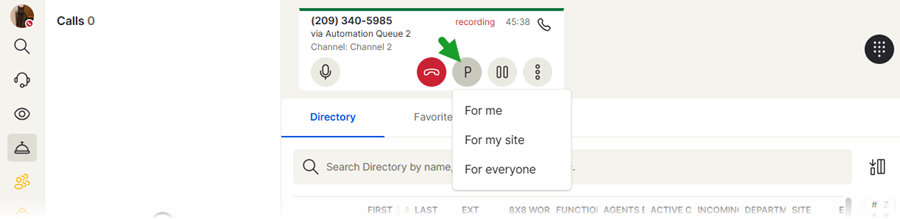
You can park calls as follows:
- For me: Only you can retrieve the parked call.
- For site: Allows only the users located at that site to retrieve the parked call.
- For everyone: Allows anyone in the company to retrieve the call.
Note: Calls that are not retrieved from the queue before the recall timer is reached are automatically returned to the agent. Parked calls that have bounced back display the  icon in front of the customer’s name or number.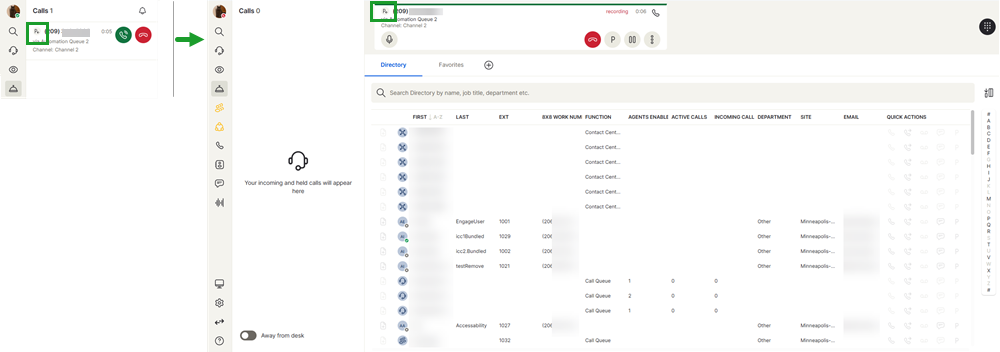
Limitations
- Call parking can only be enabled for customers with a post-processing time above one minute.
- Parked calls data is not visible in 8x8 Analytics.
For additional information on parking calls from 8x8 Frontdesk, see Park calls.


